Adding Video, Image, Form, or Divider to Blog
Current Embed Support
Currently you can embed the following into your Studio articles: YouTube, Vimeo, Wistia, Transistor, Buzzsprout, and SoundCloud.
-
Create a new line by pressing the
<Enter>key. -
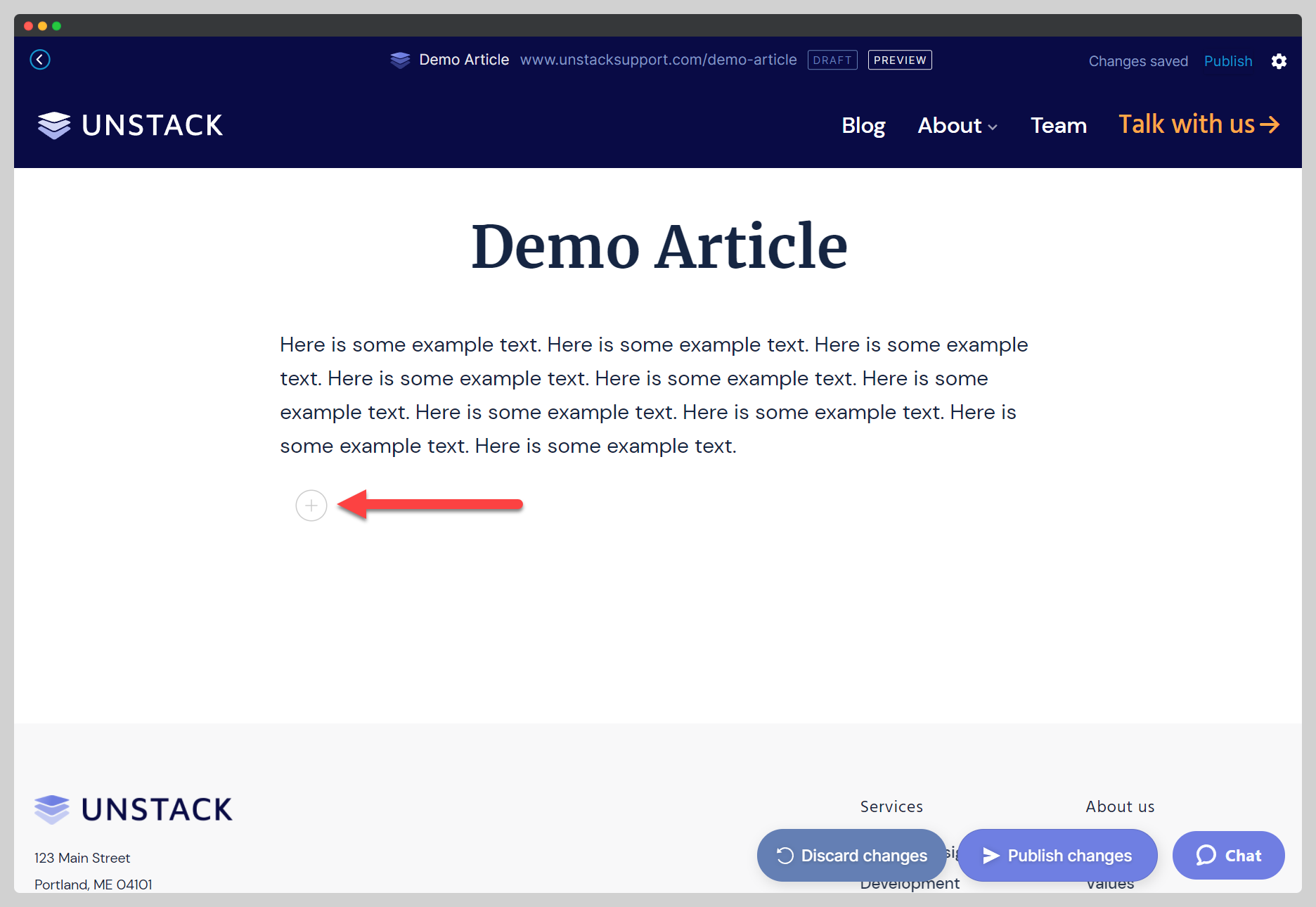
Once you're on a new, empty line you'll see a greyed plus icon to the right of your cursor.
-
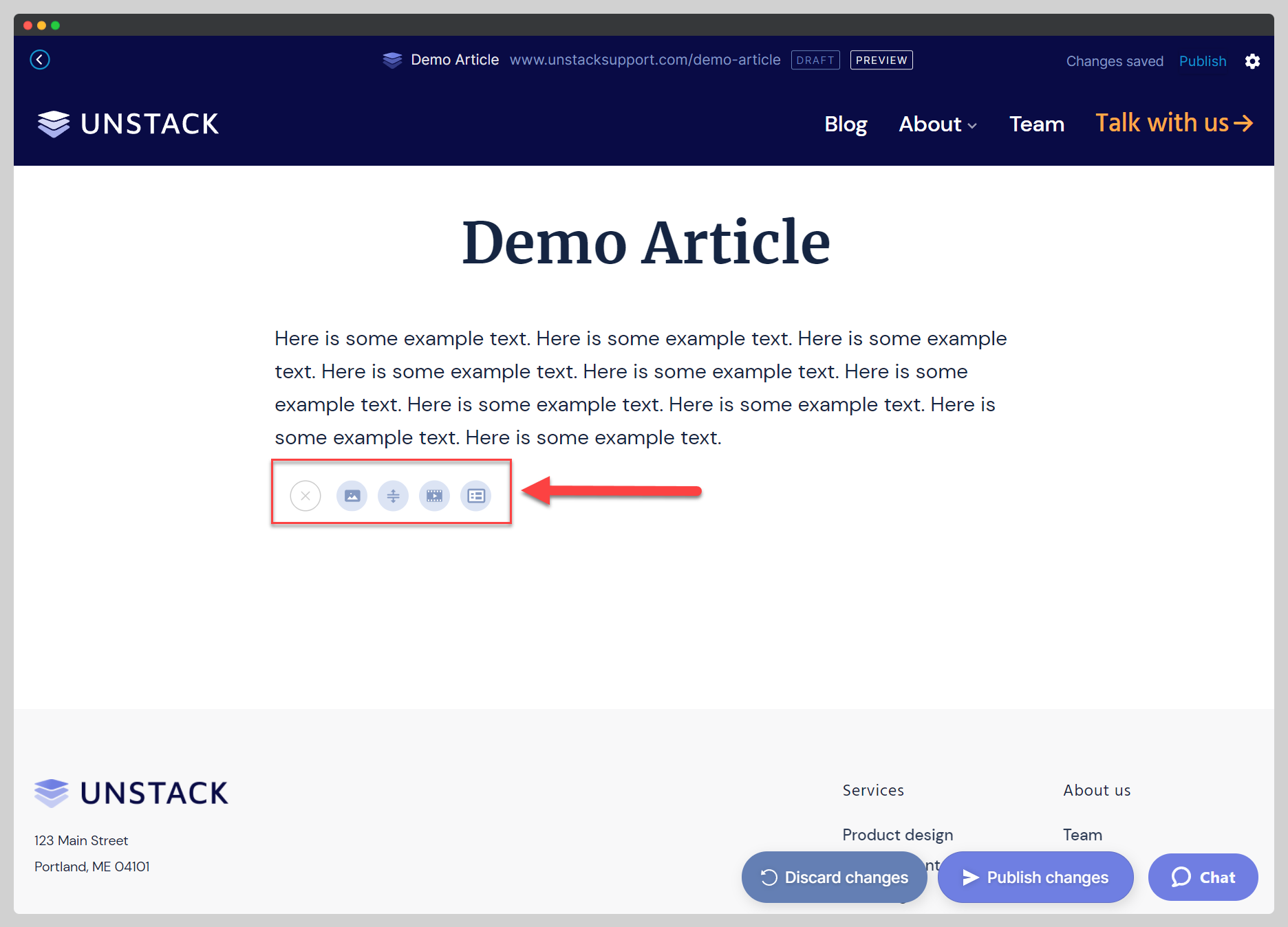
Click the greyed plus icon to expand a tray of options. Via these tray options is how you're able to add an image, divider, video or form to your article.
Considerations for YouTube
For YouTube links, make sure you're pasting the full URL rather than the shortened version.
Full URL: youtube.com/watch?v=VIDEO-ID
Short URL: youtube/VIDEO-ID