Background Media
What is background media?
Previously it was just background images, however, after the introduction of Studio native video hosting, we renamed this to background media due to the various options of what can be a background.
Adding or swapping background media
When the background media icon is white and you click it, the media modal will open. Within the media modal, you can either upload an image, upload a video, or find and use an image from Unsplash.
Swapping
When swapping you'll click the blue media icon within the main toolbar, then in the sub-toolbar that appears, click the swap button, then upload or find the media you'd like to use.

Uploading your media
Accepted Formats: SVG, PNG, JPG, GIF, MP4, MOV
Sizes: Up to 10 MB
Uploading
To upload media, select the type:
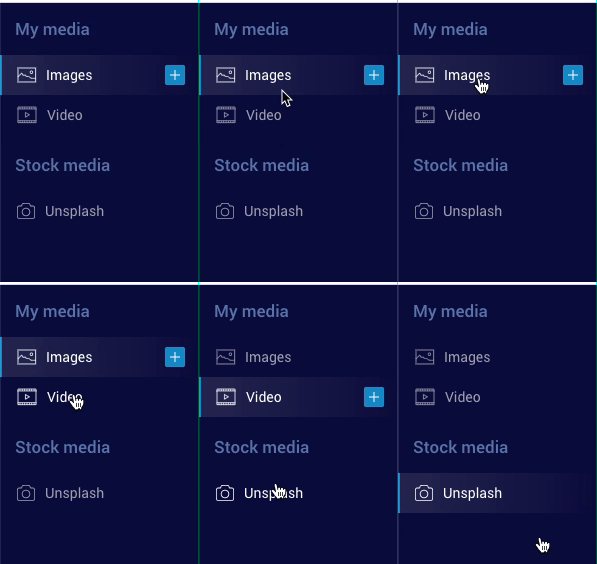
Then, click the plus button currently appearing:

Then simply select the media that is eligible per the guidelines above and you're good-to-go!